🚀 Quick Start
Get started with YingClaw in minutes!
Step 0: Get Ready
🔑 YingClaw is invitation-only. New user accounts are created by your administrator — no self-registration.
Contact your administrator to create your account. Once approved, you will receive an email with:
- 📧 Account email: used to log in to YingCore (the web management console)
- 🔐 Initial password: please change it after first login
💡 YingCore is the web management platform; YingClaw is the desktop client.
- YingCore login: requires email + password
- YingClaw desktop client login: no account or password required — it opens directly to the main UI
Step 1: Log in to YingCore
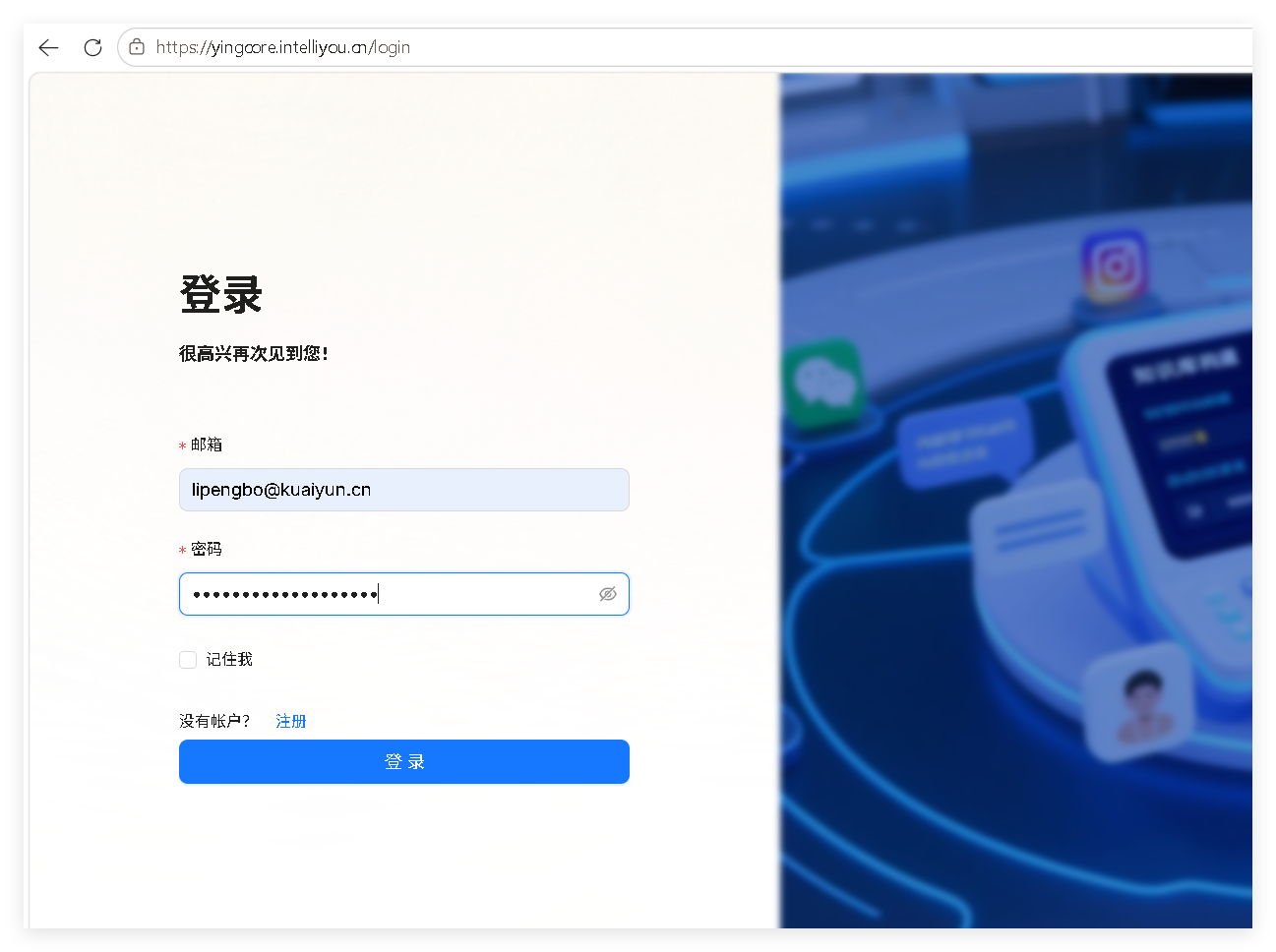
Open the YingCore login page, enter the email and password provided by your administrator, then click Log in.
| Field | Description |
|---|---|
| The account email assigned by your administrator | |
| Password | The initial password (recommended to change after first login) |
| Remember me | Stay signed in for 7 days |
| Register | For administrators only — regular users do not need to register |
Step 2: Download and Install the YingClaw Desktop Client
After logging in, you will land on the Dashboard. Click the YingClaw Download button in the top-right corner to download the desktop client for your platform.
| Platform | Version |
|---|---|
| Windows | Windows x86_64 |
| macOS | macOS arm64 |
| Linux | Linux x86_64 |
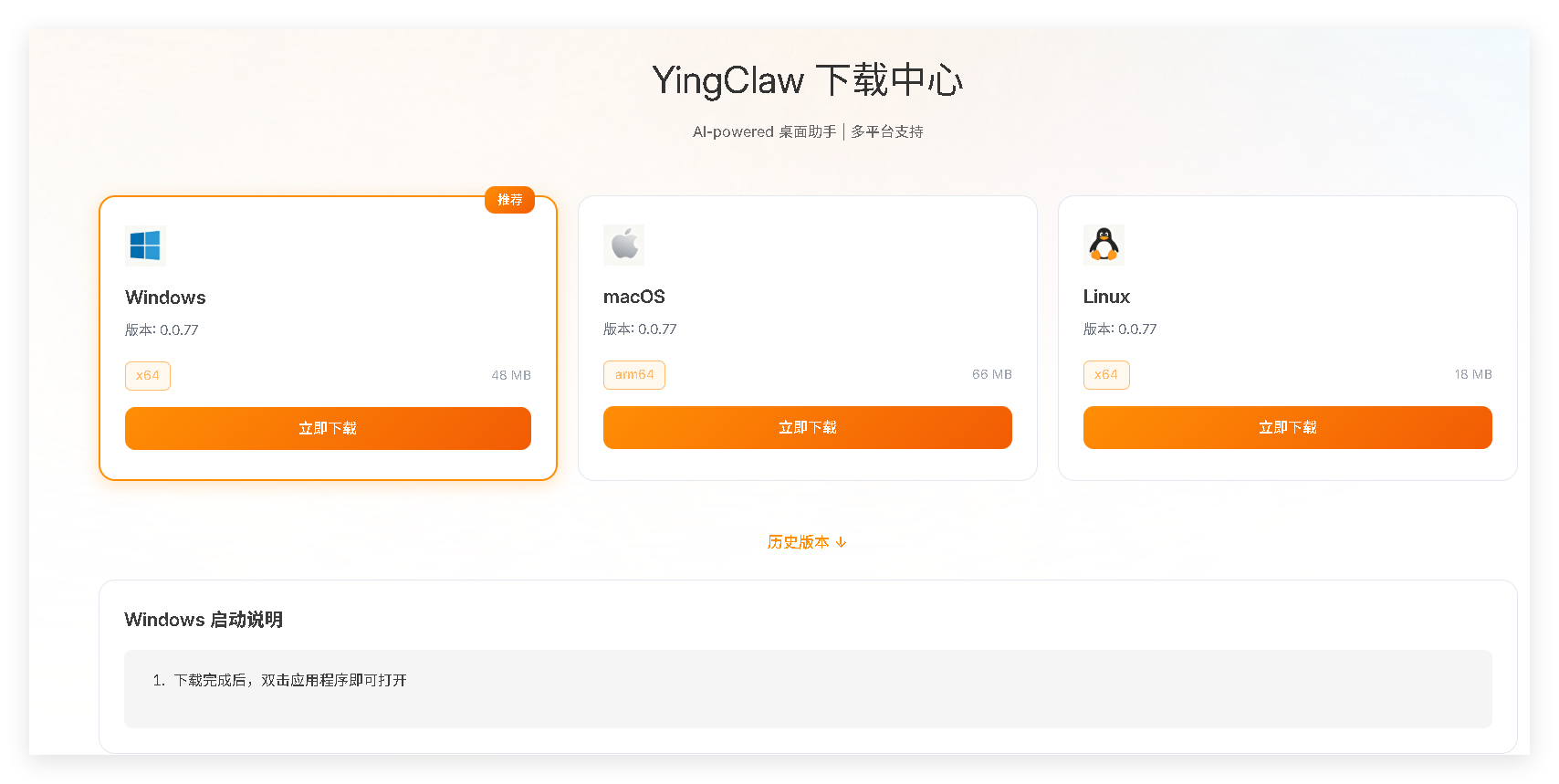
After downloading, double-click the installer and follow the prompts:
- Windows: Double-click the
.exefile and proceed through the wizard. - macOS: Drag YingClaw from the
.dmginto the Applications folder. - Linux: Extract the archive, grant execute permission, and run.
Step 3: Launch the YingClaw Desktop Client
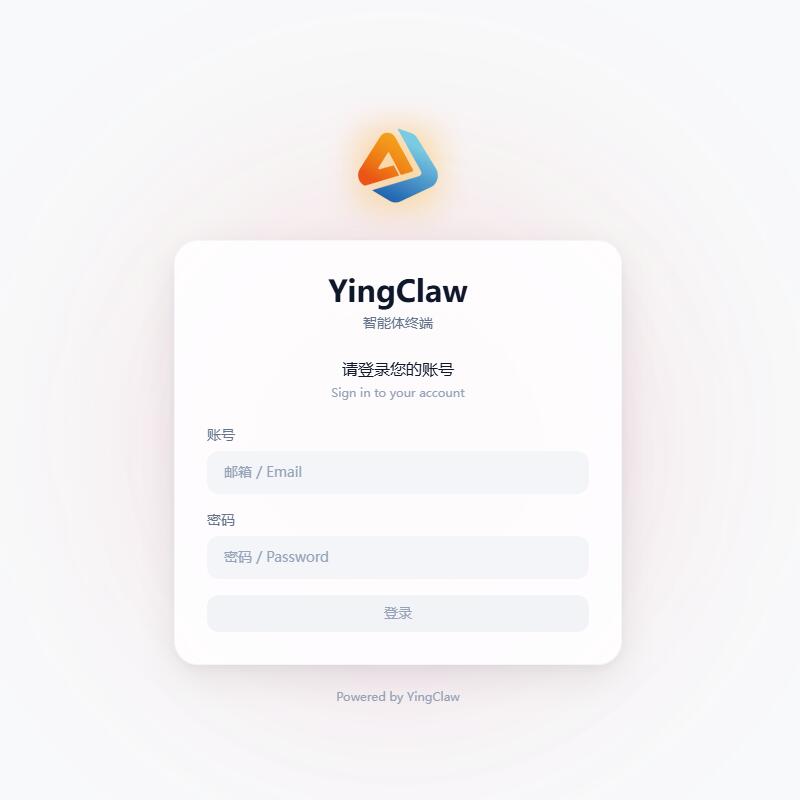
After installation, double-click the YingClaw icon to launch it. No account or password is required — the desktop client opens directly to the main UI.
Step 4: Configure the AI Model Key
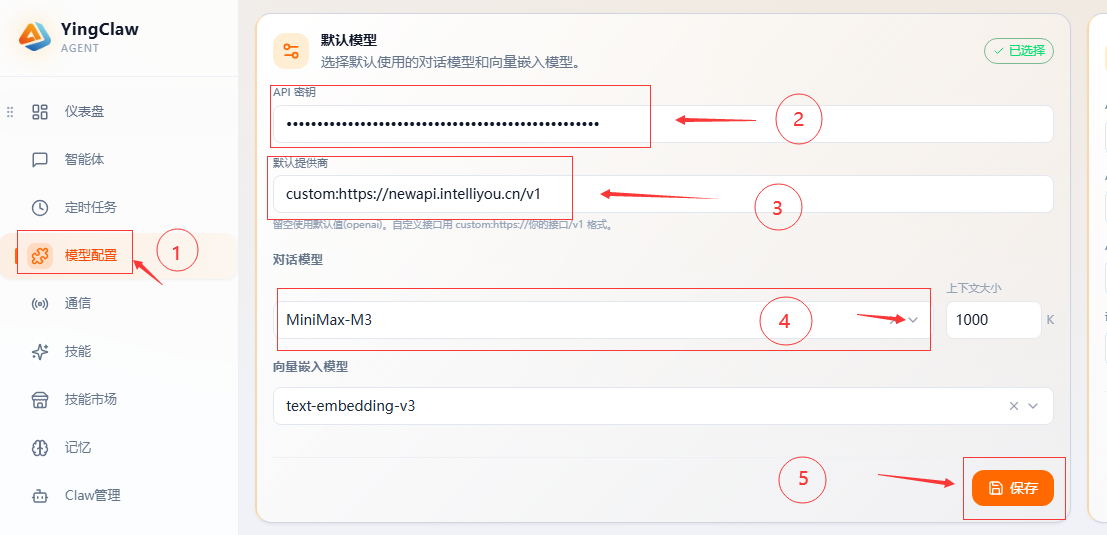
In the desktop client, set the model API endpoint, model version, and API key, then click Save to start using.
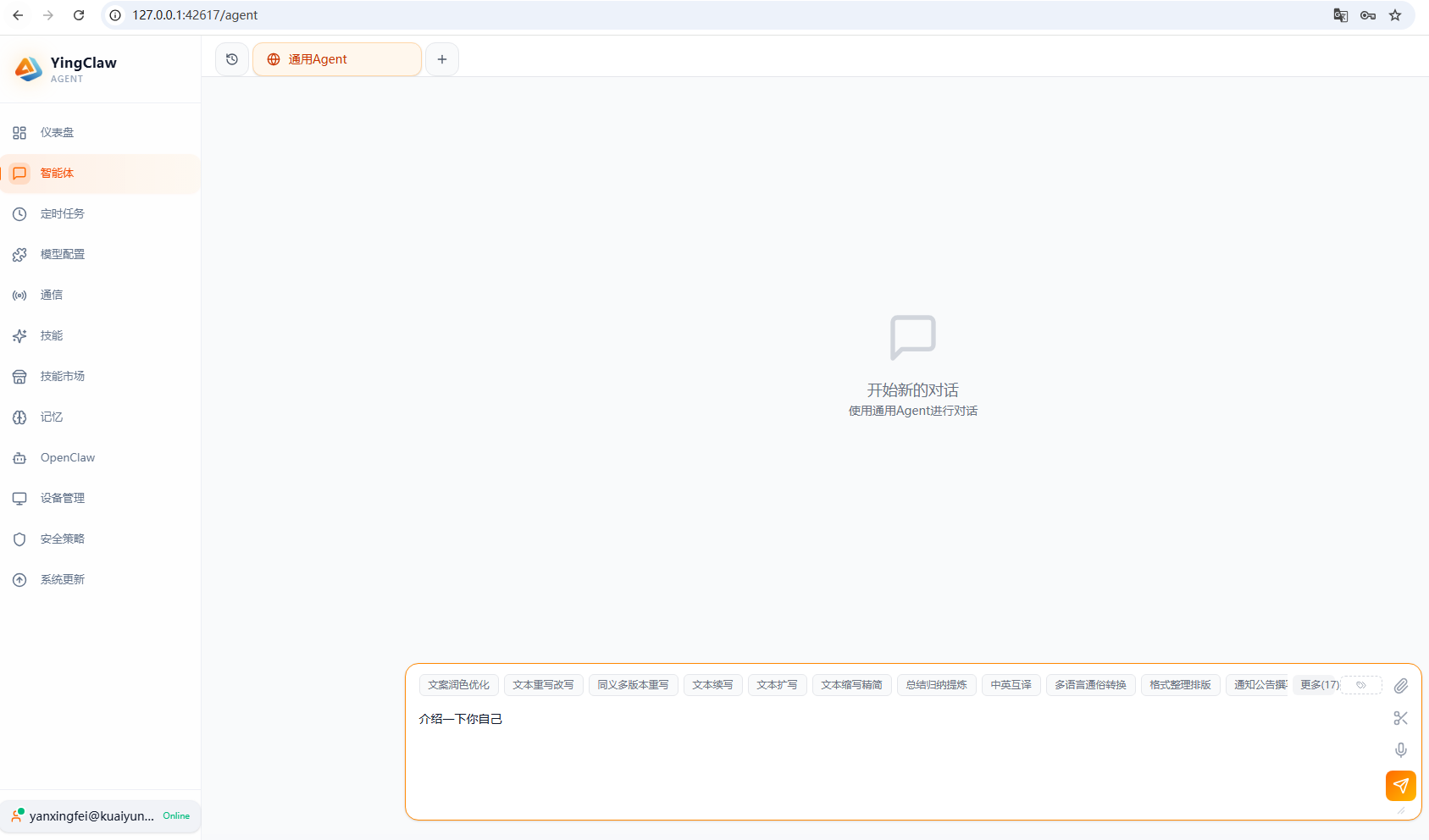
Step 5: Your First Conversation
Once configured, try your first task in the chat input:
- "Show me what files are in this directory"
- "Search for today's tech news"
- "Create a README.md file"
YingClaw will analyze your intent and execute the corresponding actions.
Next Steps
For more details on installation and configuration: